
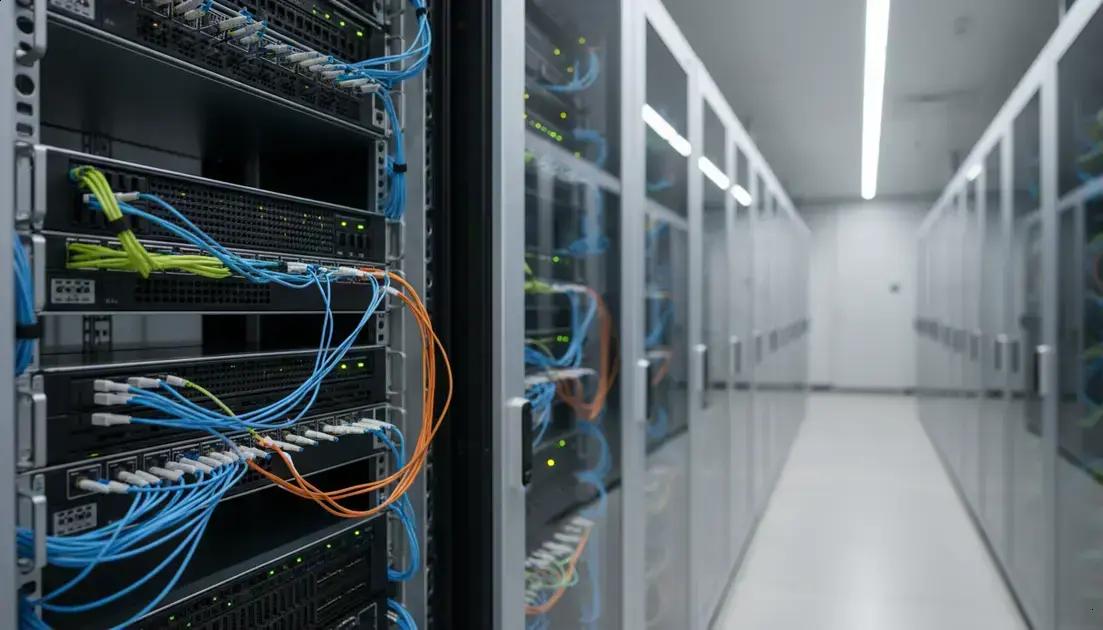

Monitoring and management utilities are essential tools for developers and teams to track application performance and system health. Tools like Grafana and Prometheus provide real-time metrics and alerts, helping identify issues quickly. Task management platforms such as Jira and Trello improve team collaboration and workflow organization. Container management with Docker and Kubernetes simplifies app deployment and scaling, while logging solutions like the ELK Stack offer detailed insights into system behavior. Together, these utilities enhance project monitoring, reduce errors, and support efficient software delivery.
Looking to upgrade your workflow? Developer tools can make all the difference, helping you code smarter, manage projects better, and keep your data safe. Curious which tools are worth your time in 2026? Let’s dive in!
Privacy-Focused Browsers for Secure and Efficient Browsing
Privacy-focused browsers are designed to keep your online activities safe from tracking and data collection. These browsers block ads, trackers, and cookies that can follow you across websites. Using them helps protect your personal information and browsing habits from being shared without your consent.
One popular privacy browser is Brave. It blocks ads and trackers by default, making your browsing faster and more secure. Brave also offers built-in features like HTTPS Everywhere, which ensures you connect to websites over secure connections. This reduces the risk of hackers intercepting your data.
Another option is Mozilla Firefox with privacy add-ons. Firefox lets you customize your privacy settings to block trackers and scripts. You can also use extensions that enhance security, like blocking fingerprinting techniques that try to identify you based on your device’s unique traits.
Privacy browsers often include features like private or incognito modes, which don’t save your browsing history or cookies. This is useful when you want to keep your searches or visits confidential. Some browsers also clear your data automatically when you close them, adding an extra layer of protection.
Using a privacy-focused browser can improve your browsing speed too. By blocking ads and trackers, pages load faster since less data is downloaded. This also reduces the amount of data your device uses, which can be helpful if you have limited internet bandwidth.
While privacy browsers are a great first step, combining them with other tools like VPNs (Virtual Private Networks) can enhance your online security. VPNs encrypt your internet connection, hiding your IP address and location from websites and potential snoopers.
Choosing the right privacy browser depends on your needs. If you want a simple, fast browser with strong privacy, Brave is a solid choice. If you prefer customization and control, Firefox with privacy add-ons might suit you better. Either way, switching to a privacy-focused browser helps protect your data and gives you more control over your online experience.
Terminal and CLI Tools to Simplify Development Tasks
Terminal and CLI tools are powerful helpers for developers. They let you control your computer using text commands instead of clicking around. This can speed up your work and make tasks easier to repeat.
One popular tool is Git, which helps you track changes in your code. It lets you save versions and work with others without mixing up files. Using Git from the terminal is faster than using a graphical app and gives you more control.
Another handy CLI tool is curl. It lets you send requests to websites or APIs right from the terminal. This is great for testing and debugging without opening a browser. You can quickly check if a server is working or get data in a simple way.
For managing files and directories, tools like ls, cd, and rm are essential. They help you list files, change folders, or delete items fast. Learning these commands saves time compared to using a mouse.
Many developers use npm or yarn in the terminal to manage project packages. These tools help install, update, and remove libraries your code needs. Running these commands in the terminal is quick and easy.
Custom scripts can automate repetitive tasks. For example, you can write a script to build your project or run tests with a single command. This reduces errors and keeps your workflow smooth.
Terminal tools often support shortcuts and aliases. This means you can create simple commands for complex tasks. It makes working in the terminal faster and less error-prone.
Using CLI tools might seem tricky at first, but with practice, they become second nature. They help you work smarter, not harder, by automating and speeding up common development tasks.
Monitoring and Management Utilities for Developers and Teams
Monitoring and management utilities help developers and teams keep track of their projects and systems. These tools show real-time data about how applications and servers are running. This helps catch problems early and fix them fast.
One common tool is Grafana. It creates visual dashboards that display important metrics like CPU use, memory, and network traffic. These dashboards are easy to read and can be shared with the whole team. Grafana supports many data sources, making it flexible for different setups.
Prometheus works well with Grafana. It collects and stores metrics, then alerts you if something goes wrong. For example, it can warn if your server is too busy or if an app crashes. This helps teams react quickly and avoid downtime.
For managing tasks and workflows, tools like Jira and Trello are popular. They let teams organize work, assign tasks, and track progress. Clear communication and task tracking improve teamwork and project delivery.
Docker and Kubernetes help manage software containers. Containers package apps with all their dependencies, making them easy to run anywhere. Kubernetes automates deploying and scaling these containers, which is great for large projects.
Logging tools like ELK Stack (Elasticsearch, Logstash, Kibana) collect and analyze log data. Logs show detailed records of what apps and servers do. This info helps find bugs and understand system behavior.
Using these utilities together creates a strong system for monitoring and managing projects. They help teams stay informed, reduce errors, and deliver better software faster.



