



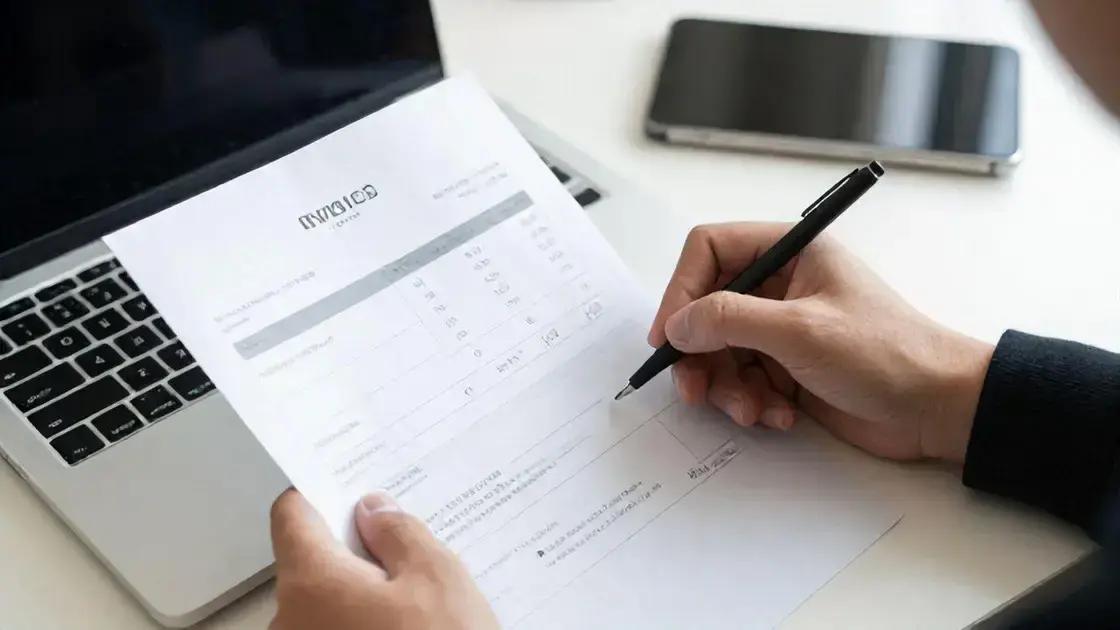

Automating expense tracking is essential for freelancers looking to manage their finances effectively. By using expense tracking tools, freelancers can save time and reduce errors associated with manual entry. These tools automatically pull in transactions from linked bank accounts, allowing for accurate categorization and real-time visibility into spending. Popular options like QuickBooks and Expensify offer features such as receipt scanning and integration with invoicing software. To maximize efficiency, freelancers should regularly review their expenses, set clear categories, and keep digital records of receipts. This approach not only simplifies financial management but also prepares freelancers for tax season.
Freelance income tracking is essential for any developer looking to maintain financial clarity. With the right strategies, you can avoid common pitfalls and ensure your earnings are well-managed.
Separate Financial Accounts for Freelancers
Managing your finances as a freelancer can be tricky. One of the best ways to keep track of your money is to separate financial accounts. This means having different bank accounts for your personal and business expenses. It helps you see how much money you’re making and spending on your freelance work.
Why Separate Accounts Matter
When you use separate accounts, it’s easier to manage your budget. You can quickly check how much you earned this month and what you spent on tools or services. This clear view helps you make better decisions about your business. Plus, it simplifies your tax preparation. You won’t have to dig through personal expenses to find business costs.
How to Set Up Separate Accounts
Setting up separate accounts is simple. First, choose a bank that offers business accounts. Look for one with low fees and good online services. Once you have your account, start using it for all your freelance income and expenses. Make it a habit to deposit all client payments into this account.
Next, link your business account to your invoicing software. This way, you can track payments easily. You can also connect it to your accounting tools. This makes it easier to see your profits and losses.
Tips for Managing Your Accounts
To keep your finances organized, consider using accounting software. Many programs can help you track your income and expenses automatically. They can also generate reports to show how your business is doing. This information is valuable when you need to make decisions about growth or investments.
Another tip is to set aside money for taxes. Freelancers often forget about taxes and can be surprised when tax season comes. A good rule is to save about 25-30% of your income for taxes. You can keep this money in a separate savings account to avoid spending it.
Lastly, review your accounts regularly. Check your income and expenses every month. This practice helps you stay on track and spot any issues early. By keeping your financial accounts separate, you’ll have a clearer picture of your freelance business and be better prepared for the future.
Use Invoicing Tools for Consistency
Using invoicing tools is a smart way to keep your freelance business organized. These tools help you create and send invoices easily. They also ensure you get paid on time. When you use invoicing tools, you can focus more on your work and less on paperwork.
Benefits of Invoicing Tools
Invoicing tools come with many benefits. First, they save you time. Instead of writing invoices by hand, you can fill out templates. This makes the process quick and simple. Many tools also let you customize your invoices. You can add your logo and choose colors that match your brand.
Another benefit is tracking payments. Most invoicing tools let you see which invoices are paid and which are still open. This feature helps you manage your cash flow better. You’ll know when to follow up with clients who haven’t paid yet.
Choosing the Right Tool
When picking an invoicing tool, think about your needs. Some tools are free, while others charge a fee. Free tools may have limited features, but they can still work well for beginners. Paid tools often offer more features, like expense tracking and reporting.
Look for tools that integrate with your accounting software. This connection makes it easier to manage your finances. You won’t have to enter data twice, which saves time and reduces errors.
Tips for Effective Invoicing
To make the most of your invoicing tools, follow a few simple tips. Always send invoices promptly after completing a project. This practice helps you get paid faster. Make sure your invoices are clear and easy to understand. Include all necessary details, like payment terms and due dates.
Consider setting up automated reminders for clients. Many invoicing tools allow you to send reminders when payments are due. This feature can help you avoid late payments and keep your cash flow steady.
Finally, keep your records organized. Store copies of all your invoices in one place. This way, you can easily find them when needed. Good record-keeping is essential for tax time and helps you track your business growth.
Automate Expense Tracking for Better Management
Automating expense tracking is a great way to manage your freelance finances. It saves time and reduces stress. When you automate, you can focus on your work instead of worrying about money. There are many tools available that can help you track your expenses easily.
Why Automate Expense Tracking?
Automating your expense tracking means you don’t have to enter every detail manually. This saves you a lot of time. You can link your bank accounts and credit cards to expense tracking software. The software will automatically pull in your transactions. This way, you’ll always have an up-to-date view of your spending.
Another benefit is accuracy. Manual entry can lead to mistakes. When you automate, you reduce the chances of errors. This helps you keep your financial records clean and correct. Plus, you can categorize your expenses easily. This makes it simple to see where your money is going.
Choosing the Right Tools
There are many expense tracking tools available. Some popular options include QuickBooks, Expensify, and Mint. Each tool has its features, so it’s important to find one that fits your needs. Look for tools that allow you to scan receipts. This feature can save you even more time.
Consider tools that integrate with your invoicing software. This way, you can track your income and expenses in one place. This integration makes managing your finances much easier.
Tips for Effective Expense Tracking
To get the most out of your automated expense tracking, set up clear categories for your expenses. Common categories include travel, supplies, and marketing. This organization helps you see where you spend the most money. You can then make informed decisions about your budget.
Regularly review your expenses. Set aside time each week or month to check your spending. This review helps you stay on top of your finances. You can spot trends and adjust your budget if needed.
Lastly, keep your receipts organized. Even with automation, it’s good to have backup documentation. Use a digital tool to store your receipts or keep them in a folder. This practice ensures you have everything you need come tax time.