



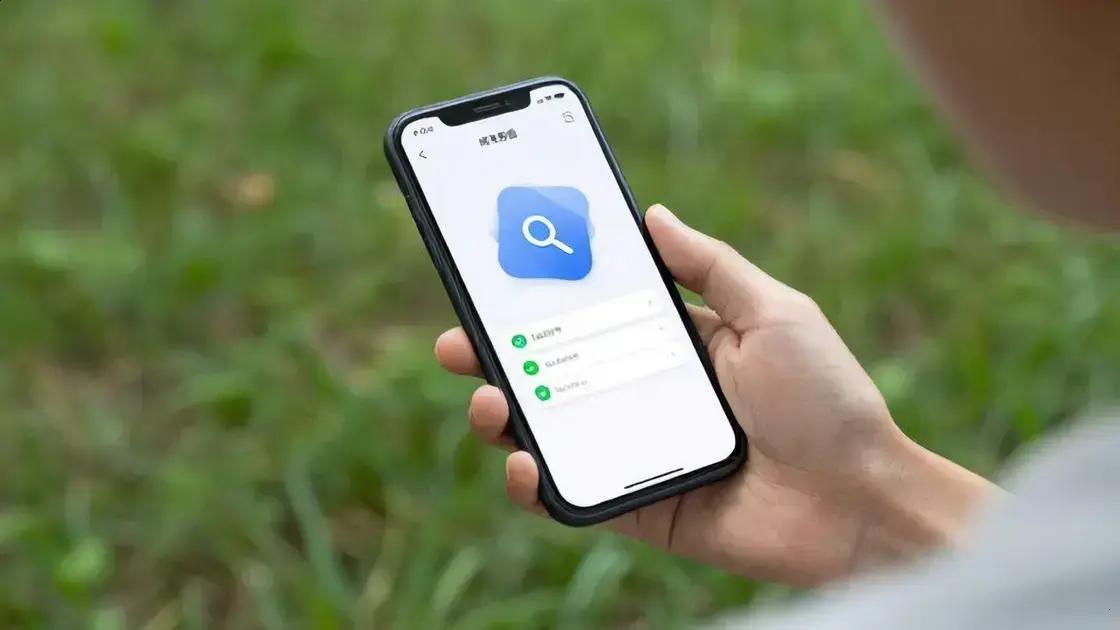

On-device AI enhances user experience by allowing apps to perform tasks quickly without internet access. This technology improves speed, accuracy, and efficiency, making interactions more seamless. Features like mobile actions and demos, such as Tiny Garden, showcase how AI can assist users in daily tasks, from managing plants to sending messages. Benchmarking performance in platforms like Google AI Edge Gallery helps developers optimize their models for better real-world application, ensuring that AI tools are both reliable and user-friendly.
On-Device AI is transforming the way we interact with technology, making it more intuitive and efficient. Imagine giving commands to your device that it executes instantly, without needing to connect to the internet. Intrigued? Let’s dive deeper!
Introduction to On-Device AI
On-Device AI is changing how we use our devices every day. It allows apps to perform tasks without needing to connect to the internet. This means faster responses and better privacy for users. Imagine asking your phone to set a reminder or find a recipe. With on-device AI, it can do this quickly and securely.
One of the biggest advantages is that it works even when you’re offline. This is great for users who may not always have a strong internet connection. For example, you can still use navigation apps in areas with poor service. The app can access maps stored on your device to guide you.
Another benefit of on-device AI is improved privacy. Since data is processed right on your device, less information is sent to the cloud. This means your personal data stays safer. For instance, voice assistants can understand commands without sending everything to a server for processing.
On-device AI also allows for more personalized experiences. Apps can learn from your habits and preferences without needing to share that information online. This means your device can suggest music, apps, or even news articles that match your interests.
As technology improves, we can expect even more features from on-device AI. Developers are finding new ways to make apps smarter and more responsive. This could lead to better user experiences across various platforms, from smartphones to smart home devices.
In conclusion, on-device AI is a powerful tool that enhances how we interact with technology. It makes our devices faster, more private, and more personalized. As we continue to embrace this technology, we can look forward to a future where our devices understand us even better.
Exploring Mobile Actions and Tiny Garden Demos
Mobile actions are a key part of how we interact with our devices today. They make using apps easier and more intuitive. With mobile actions, you can perform tasks quickly, like sending a message or checking the weather. This feature is especially useful when you’re on the go.
One exciting example of mobile actions is the Tiny Garden demo. This demo shows how on-device AI can help users manage their plants. Imagine having an app that reminds you when to water your plants or alerts you if they need more sunlight. This is possible thanks to mobile actions.
With Tiny Garden, users can ask their devices simple questions. For instance, “How often should I water my fern?” The app responds with helpful tips based on the type of plant you have. This interaction feels natural and friendly, making it easy for anyone to use.
Mobile actions also allow for quick responses. You don’t have to type long messages. Instead, you can use voice commands or tap on options. This speeds up communication and makes it more enjoyable. For example, you might say, “Send a message to Mom that I’m running late.” Your device understands and sends the message without fuss.
Another cool feature of mobile actions is their ability to learn from your habits. Over time, the app can suggest actions based on what you do most. If you often check the weather in the morning, it might remind you to look at it when you wake up. This personalization makes your device feel more like a helpful companion.
As developers continue to explore mobile actions, we can expect even more innovative features. These might include better integration with smart home devices or more complex interactions. The goal is to create a seamless experience that feels natural and effortless.
In summary, mobile actions and demos like Tiny Garden showcase the power of on-device AI. They make everyday tasks easier and more efficient. As technology advances, we can look forward to even more exciting developments in how we interact with our devices.
Benchmarking Performance in Google AI Edge Gallery
Benchmarking performance is essential to understand how well AI models work. In the Google AI Edge Gallery, this process helps developers see how their models perform in real-world scenarios. It’s not just about speed; it’s also about accuracy and efficiency. Knowing these factors can help improve applications significantly.
When we talk about performance, we mean how quickly an AI model can make decisions. For example, if you’re using a voice assistant, it should respond almost instantly. If there’s a delay, users may get frustrated. This is why benchmarking is key. It helps developers find and fix any slowdowns.
Accuracy is another important factor. An AI model must give correct answers to user queries. For instance, if you ask a smart device about the weather, it should provide the right information. If it doesn’t, users will lose trust in the technology. Benchmarking helps identify areas where the model might be making mistakes.
Efficiency is also crucial. This means using fewer resources while still performing well. An efficient model saves battery life on devices and reduces data usage. For example, an AI that processes images should do so quickly without draining your phone’s battery. Benchmarking helps developers find the right balance between performance and resource use.
The Google AI Edge Gallery showcases various models and their performance benchmarks. Developers can see how their models stack up against others. This comparison can inspire improvements and innovations. It’s a way to learn from each other and push the boundaries of what’s possible.
Moreover, the gallery allows developers to test their models in different environments. This means they can see how well their AI performs under various conditions. For example, does it work well in low-light situations? How does it handle background noise? These tests are vital for creating robust applications.
In summary, benchmarking performance in the Google AI Edge Gallery is about understanding how AI models work in real life. It helps developers improve speed, accuracy, and efficiency. By learning from these benchmarks, we can create better technology that meets user needs.